 FileShield
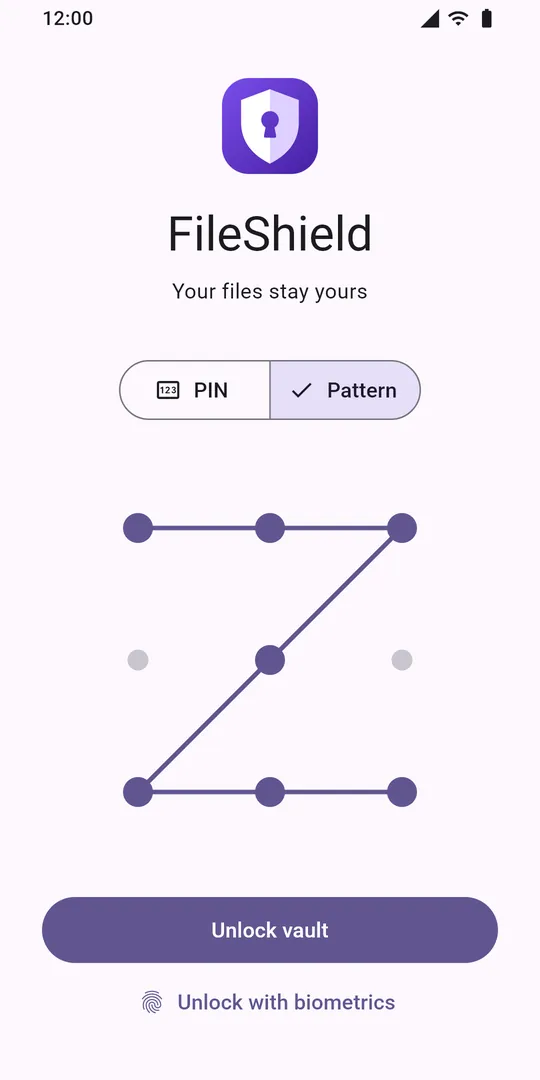
Only you get in
Unlock with a PIN, a pattern or your fingerprint.
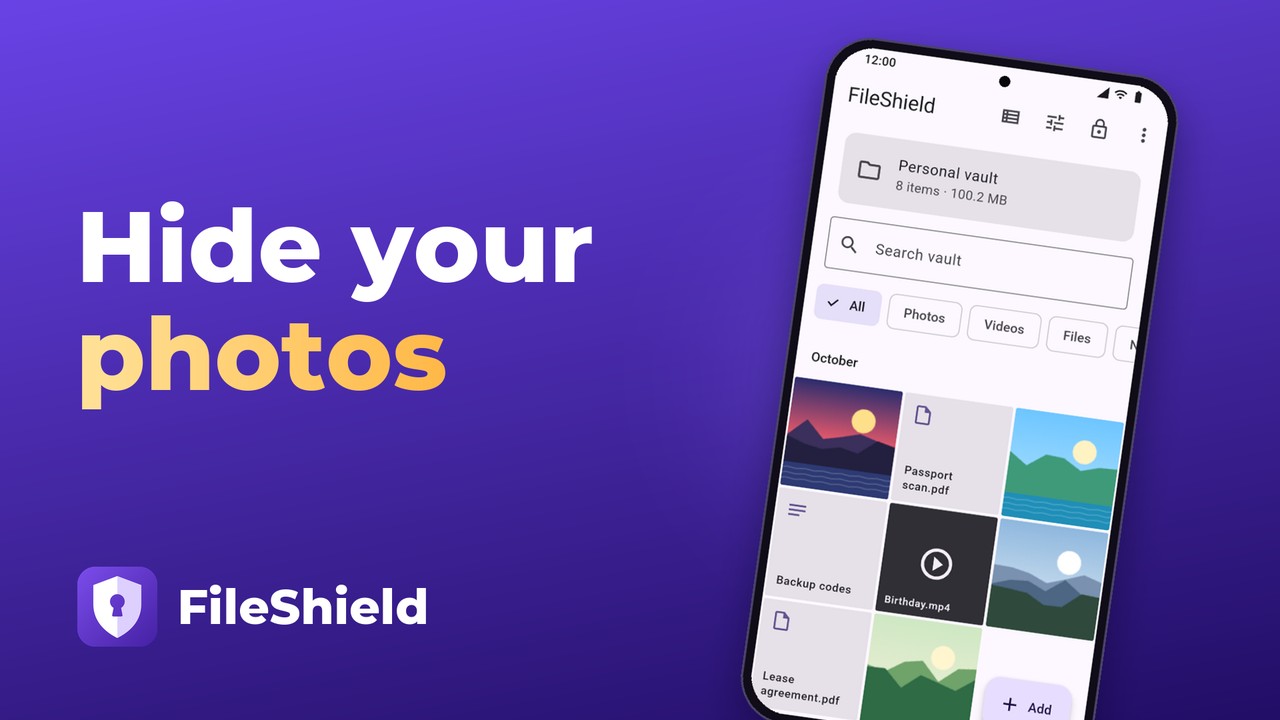
Hide photos and videos in an encrypted photo vault that opens only with your PIN or pattern. Keep private pictures, documents and notes in a secret photo album on your device: no registration, no developer cloud, and the vault works offline.

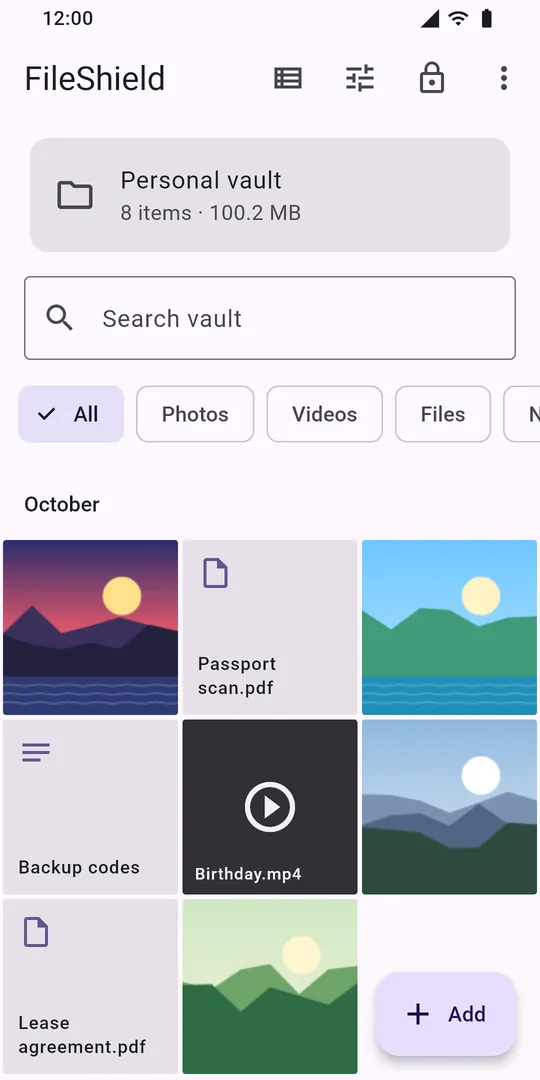
Unlock with a PIN, a pattern or your fingerprint.
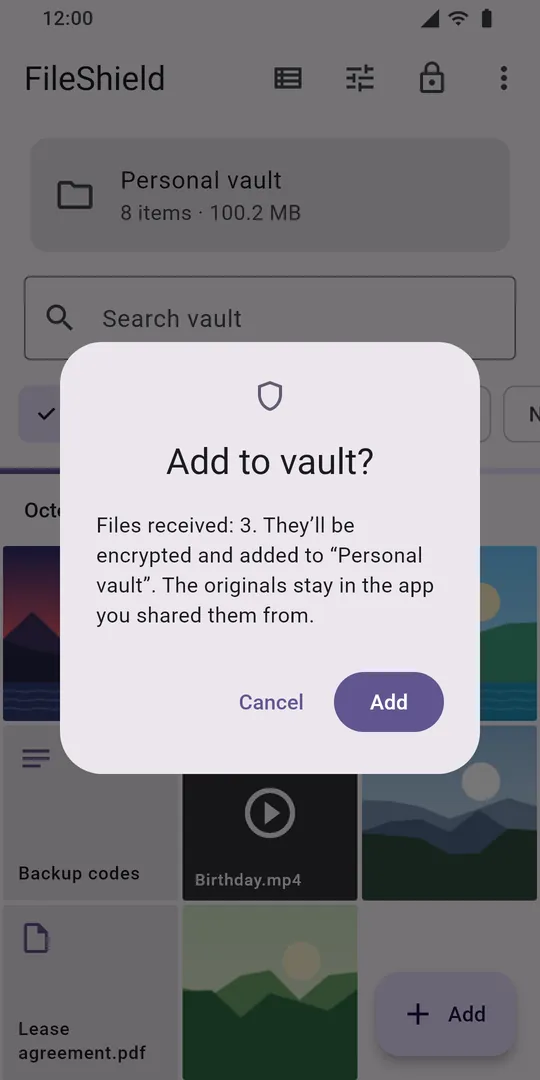
Choose “Hide in FileShield” from the Share menu in other apps.
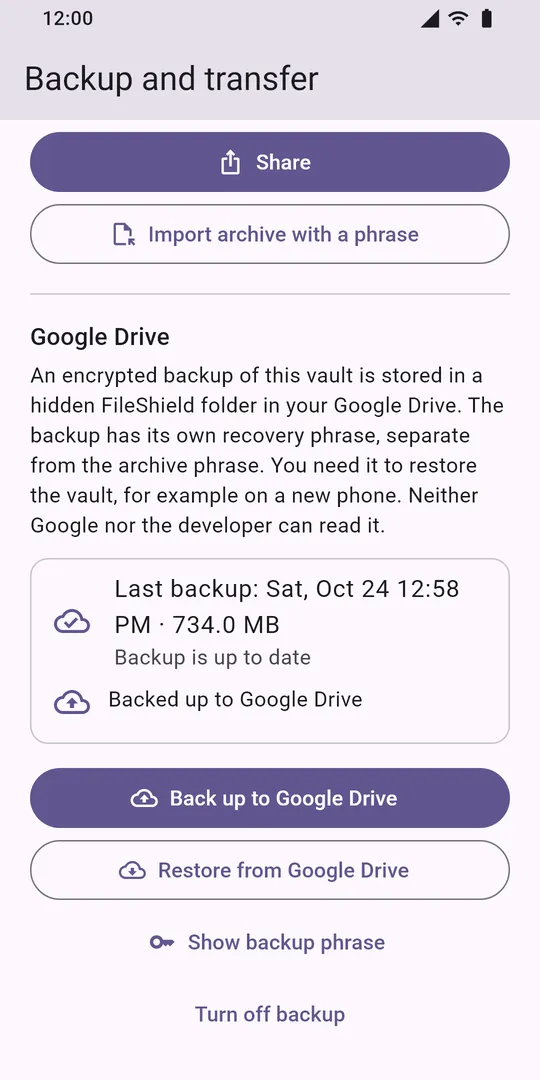
Encrypted before upload. New phone? Use an archive and a 24-word phrase.
Lifetime License
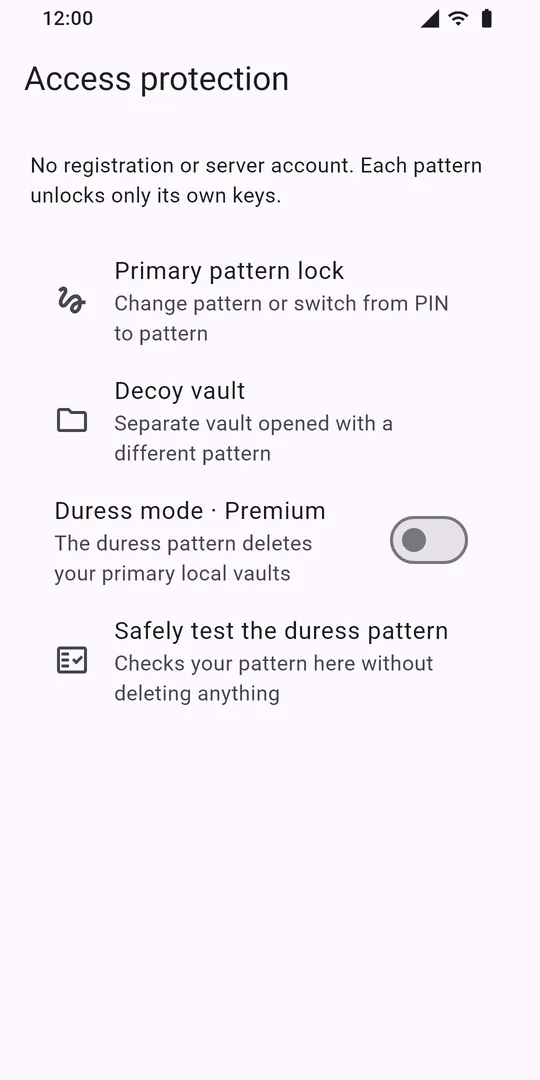
A second code opens a decoy vault. Your real vault stays hidden.
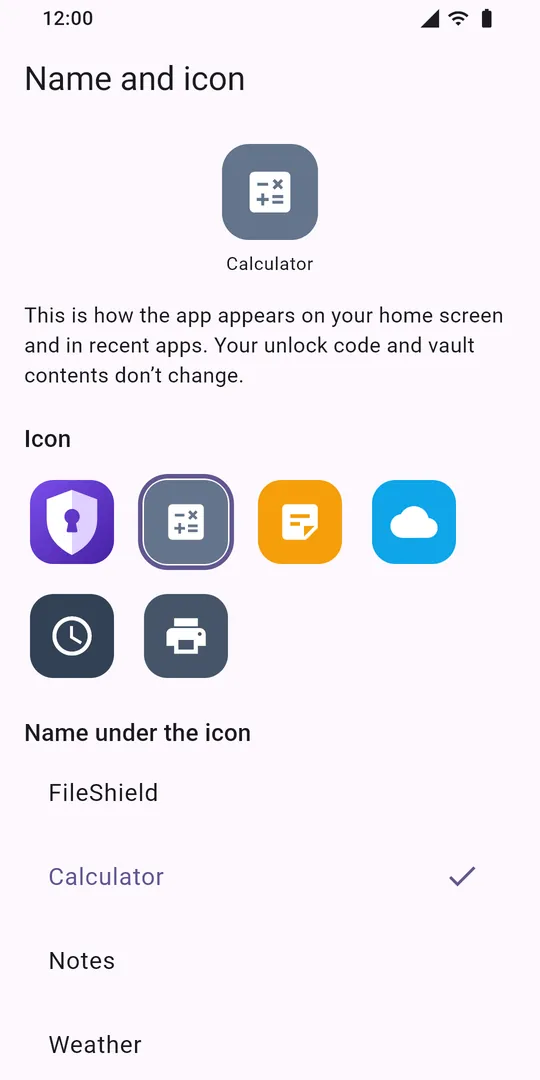
Disguise the icon and name as Calculator, Notes or Weather.
Lifetime License
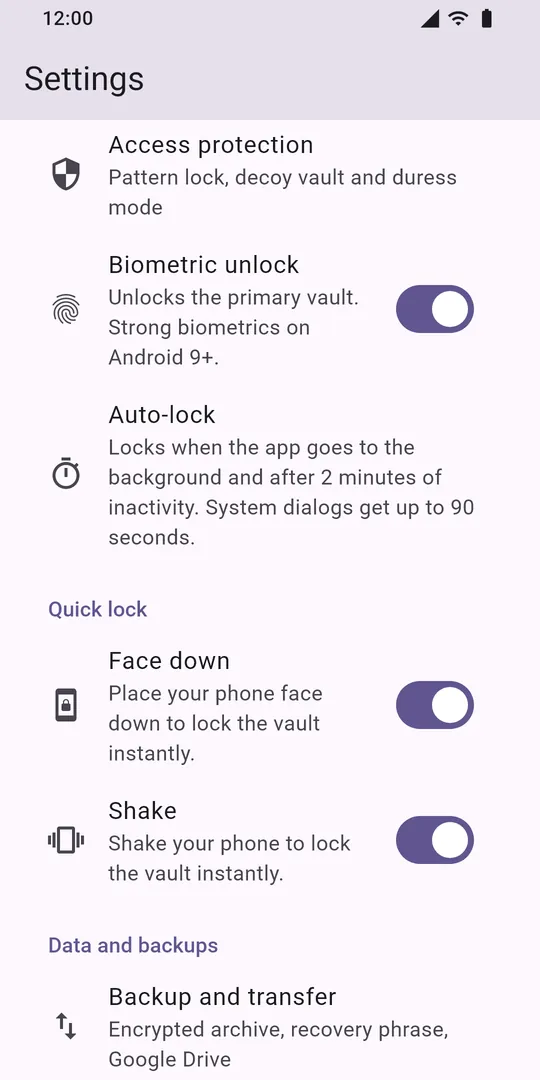
Turn your phone face down or shake it, and the vault locks instantly.
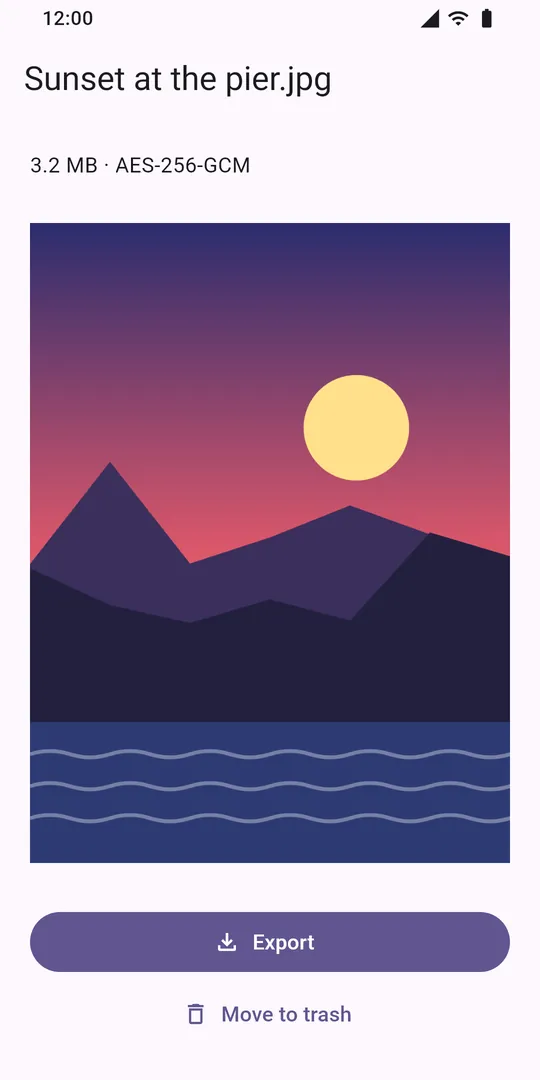
Photos open in memory only, with no unencrypted copies in storage.
Watch the 41-second preview on YouTube
FileShield is a vault for photos, videos, documents and notes.
The vault closes by itself and never gives itself away.
Lose the phone, keep the files in a copy.
We don't keep your code, so without it nobody can open the vault — not even us.
The code can’t be recovered: we don’t keep it, and the keys exist only on your phone. Without the code, the vault can only be brought back from a copy — an archive or a Google Drive copy — with its 24-word phrase.
No. Files are stored encrypted inside FileShield; the gallery and other apps don’t see them. Vault camera shots never reach the gallery.
A second profile with its own files, opened by a separate pattern. If someone forces you to open the app, open this one — the main vault stays hidden. Set it up in Settings → Access protection.
It’s a separate pattern that deletes the main vault on this phone and opens the decoy one. The deletion can’t be undone. Requires Lifetime License.
Yes: Settings → Application name and icon. Pick an inconspicuous name and icon, such as Calculator. Requires Lifetime License.
An encrypted copy of the open vault is kept in a hidden FileShield folder in your Google Drive and updates once a day on Wi-Fi while the vault is open. The copy has its own phrase: without it nobody can open the copy — not you, not Google, not us. Requires Lifetime License.
Settings → Backup and transfer: save the encrypted archive and its 24-word phrase. On the new phone, install FileShield and choose Import archive with a phrase. Or restore a backup from Google Drive.
Android deletes the vault on this phone too. Make a copy beforehand: an archive or a Google Drive copy.
A one-time purchase, no subscription: no ads and no limits, the Google Drive copy, disguise, the duress pattern, intruder photos and app colors.
Buy Remove Ads or Lifetime License — both are one-time purchases. The unlock screen never shows ads.
Didn’t find an answer? Write to us: serdimdev@gmail.com